Smart Printer Logo
Smart Printer v1.0
by LifePilot Labs
Smart Wireless Printing for Android

Smart Wireless Printing,
Made Effortless.

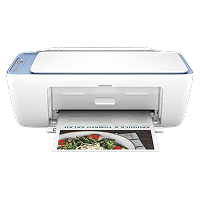
Connect seamlessly to HP, Canon, Epson, Brother and 10,000+ printers. Print PDFs, photos, scans, web pages, and documents directly from your Android phone — 100% private, zero cloud storage.
Explore Features
10,000+ Models Supported
100% Local Processing
PDF, Photos, Web & Office
P
Smart Printer
Wi-Fi On
HP Printer
HP LaserJet Pro MFP Ready
192.168.1.108 • IPP Direct
Estimated Supplies 85%
K
C
M
Y
Documents
Photos
HD Scan
Merge PDF
Web Page
Templates
Recent Print View All
Contract_Agreement_Final.pdf
2 Pages • Duplex • Today 15:42

Compatible with Leading Brands & Open Standards

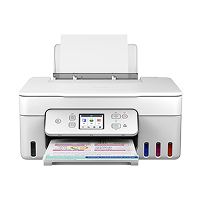
HP Printer HP
Canon Printer Canon
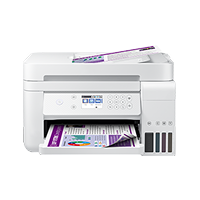
Epson Printer Epson
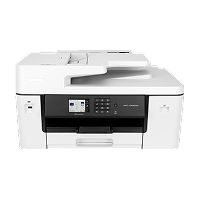
Brother Printer Brother
Pantum
Xerox
Ricoh
Standard IPP / AirPrint™

Everything You Need for Wireless Printing

Powerful features designed to turn your smartphone into a versatile print station.

Instant Auto-Discovery

Zero driver setup. Utilizes high-speed NSD & mDNS to automatically detect all network printers within seconds.

All-Format Print Hub

Print PDFs, high-res photos, Office docs, text files, emails, web pages, and contact address cards effortlessly.

AI Smart Scanner

Integrated Google ML Kit scanner automatically detects document borders, straightens perspective, and enhances legibility.

PDF & Photo Studio

Merge multiple PDFs, reorder pages, crop photos, apply enhancement filters, and add annotations before sending to print.

100% Local & Private

Documents are processed locally and sent directly via IPP over your local Wi-Fi. No third-party cloud uploads, ever.

Supplies & Device Monitor

Check real-time ink and toner levels, view printer status, and access printer web administration dashboards with one tap.

Print in 3 Simple Steps

No cables, no complex drivers, no complicated setup required.

1

1. Join the Same Wi-Fi

Ensure your Android phone and printer are connected to the same wireless network.

2

2. Auto Discover Printer

Open Smart Printer — nearby compatible printers appear instantly on your home dashboard.

3

3. Choose File & Print

Select any document or photo, customize print settings (duplex, color, paper size), and tap Print.

Bonus Productivity Tools

Rich Printable Templates Library

Need a calendar, to-do list, musical sheet, graph paper, or holiday greeting? Smart Printer comes preloaded with dozens of high-quality printable templates ready for one-tap printing.

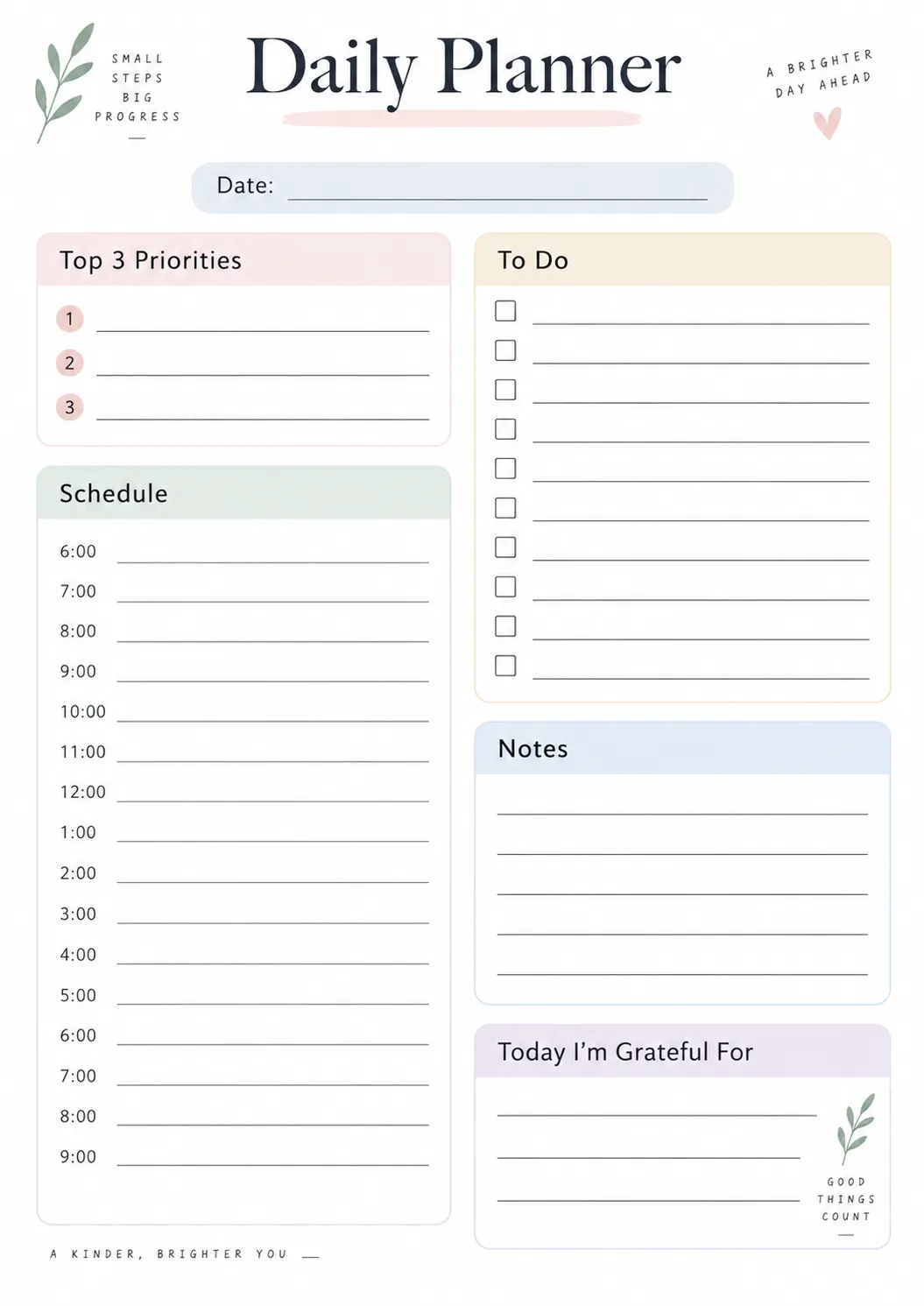
🗓️ 2026 Calendars 📝 Daily Notes 🎨 Kids Drawings
Calendar Template Note Template
Privacy By Design

Your Documents Never Leave Your Local Network

Unlike other printing apps that transmit your sensitive contracts, financial statements, and ID cards to unknown cloud servers, Smart Printer communicates directly with your printer using standard IPP sockets over your LAN.

Zero server uploads or data retention
Standard IPP / IPPS encrypted communication
Full adherence to Android platform privacy guidelines

Private & Confidential

Your print data goes from Phone ➔ Wi-Fi Router ➔ Printer. No middlemen, no account signups, no data mining.

Read Full Privacy Policy

Frequently Asked Questions

Got questions? We've got answers.

Smart Printer supports virtually any network printer that complies with IPP (Internet Printing Protocol), AirPrint™, or Mopria standards. This includes modern Wi-Fi and Ethernet models from HP, Canon, Epson, Brother, Pantum, Xerox, Ricoh, Lexmark, Samsung, and more.
No! Smart Printer features a universal driverless printing engine. You do not need to download OEM vendor plugins or drivers. Simply connect your phone to the same Wi-Fi, open the app, and print right away.
No. As long as your phone and printer are on the same local Wi-Fi router or subnet, printing works completely offline without broadband internet.
Never. We designed Smart Printer around strict privacy principles. All document conversions, image enhancements, and ML Kit scans happen entirely on your Android device. Print data is transmitted directly from your phone to the printer over local IPP sockets.
Smart Printer is currently undergoing final quality testing and multi-device compatibility trials. The official release on Google Play is scheduled for Q3 2026. Click the "Coming Soon" button to subscribe for launch updates!

Ready to Upgrade Your Printing Experience?

Smart Printer for Android is launching soon on Google Play. Stay tuned for effortless mobile printing.